Smarter Forms, Cleaner Builder, Better Governance
If you’ve been building on Joget for a while, you’ll be excited about the new features: easily creating multi-column layouts without custom CSS, clearly seeing script changes with the Diff Checker, and a safer saving process. Joget DX 9.1 enhances your development experience with all this and more.
This isn’t one big feature. It’s a solid round of fixes and improvements across the Form Builder, the DX 9 Builder theme, governance tools, and system maintenance, the kind of release where things just work better.

Here’s what changed in Joget DX 9.1 and why it matters.

1. Form Builder Enhancements
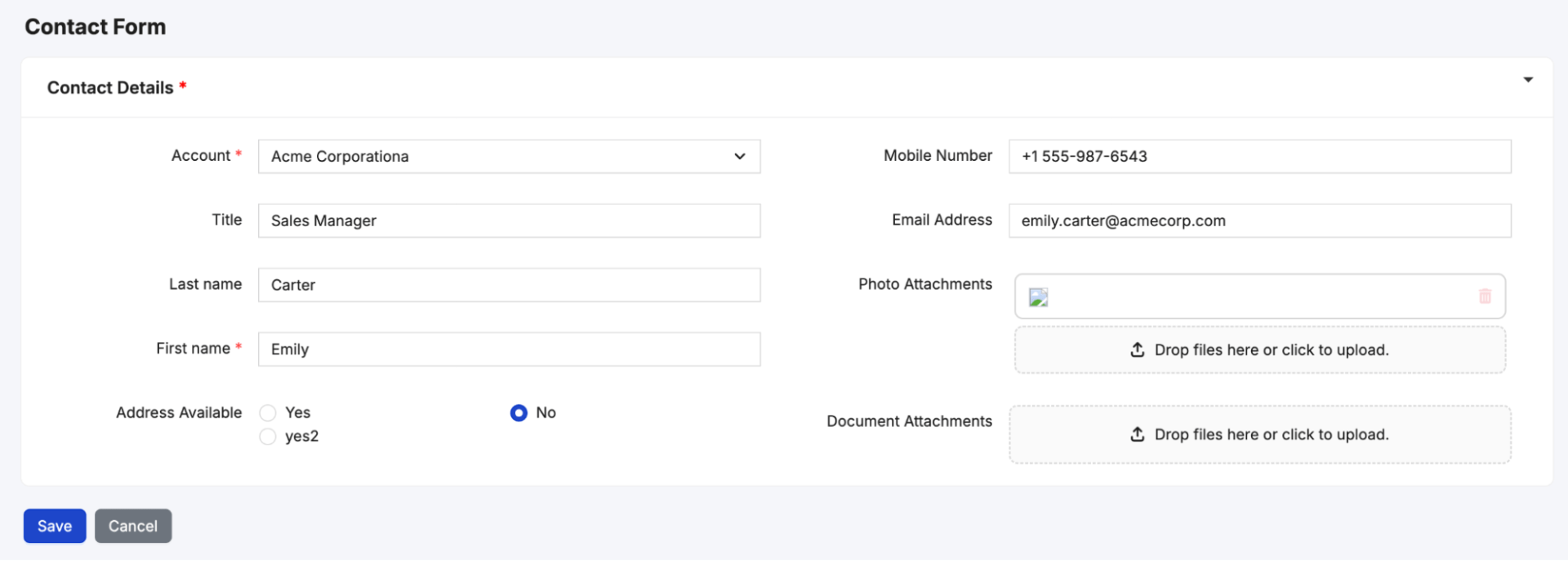
1.1: A native Columns element
The new native Columns element in DX 9.1 makes placing fields side by side clean and reliable, eliminating custom CSS or runtime layout workarounds..
You can now arrange fields like First Name, Middle Name, and Last Name in one row. No stylesheet required. It’s responsive, so what you build in the builder is what users see.

Form Builder

Form Runtime
1.2: Collapsible Sections
The Section element now supports collapsible behavior. You get three options:
- Always visible,
- Collapsible (expanded by default), and
- Collapsible (collapsed by default).
Good for long forms. Tuck secondary or optional fields into a section that stays closed until the user needs it. No JavaScript required.

1.3: Write Permission replaces the old Readonly option
The new Write Permission option and renaming of Readonly to Disabled introduces clarity, resolving past confusion with field property behaviors. Here’s the difference:
- Readonly: the user can’t edit the field, but a script or process can still write the value to the database.
- Disabled: the field is fully locked. No user edits, no database writes.
If you have a system-generated reference number or a value set by BeanShell, use Readonly. If you want the field completely untouched, use Disabled.
*Note: Existing Readonly filed property is renamed to Disabled in this preview, to better reflect its behavior.
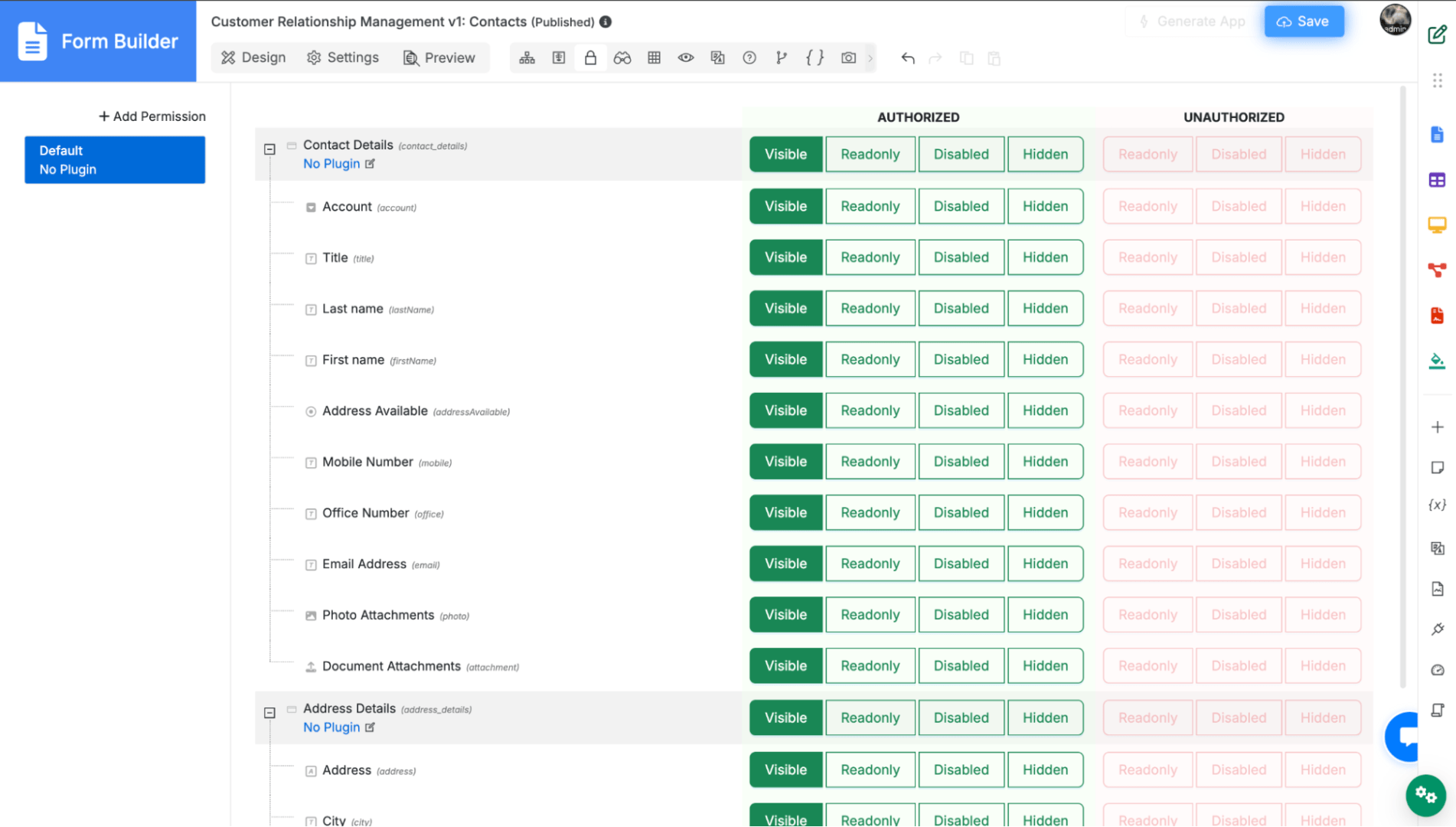
1.4: Field-Level Visibility Control in Advanced Tools
Visibility rules have moved from the property panel into Advanced Tools, and now work at the individual field level, not just section level.
You can set each field to Visible, Readonly, Disabled, or Hidden, separately for Authorized and Unauthorized users.
Existing section visibility rules migrate automatically. The result is a cleaner property panel and one central place to manage field access across your form.

2. Builder & UI Improvements
2.1: DX 9 Builder Theme: a lot of visual polish
The DX 9 Builder theme has been reorganized and refreshed. The CSS is now split into five clear categories:
- Form,
- Datalist,
- Userview,
- Components (Bootstrap), and
- Base (CSS variables and general styles), each broken into individual files.
Finding and editing a specific style is much easier now.
On the visual side, a lot of components got updated:
- The numeric field and icon picker have a cleaner look.

- The Popup Select Box has a new Enable Colored Tags option.

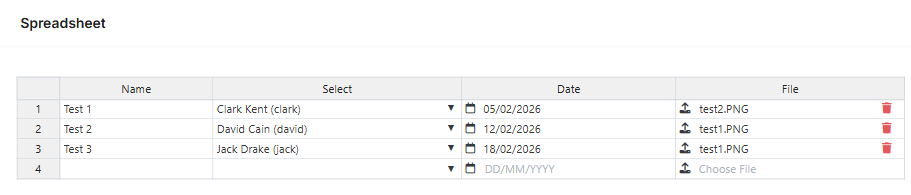
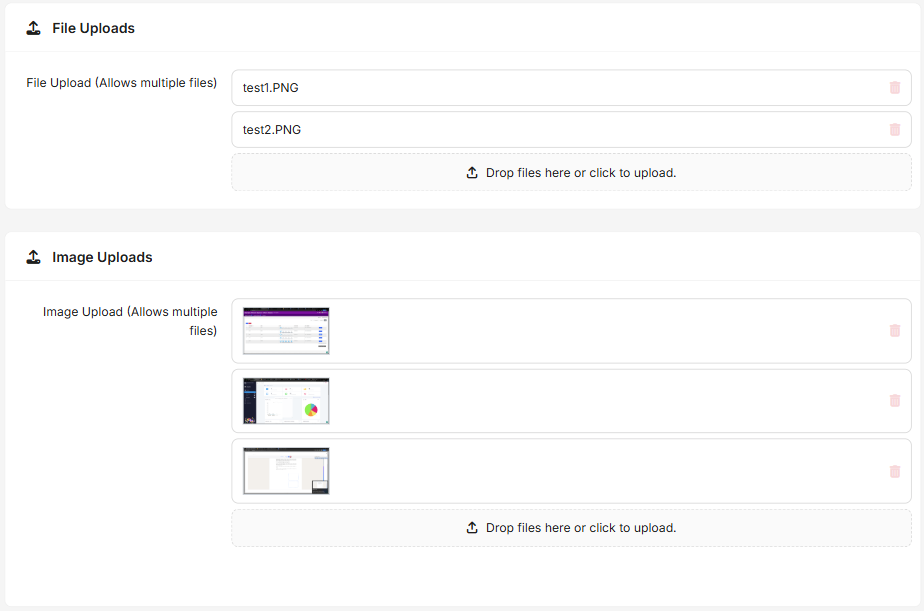
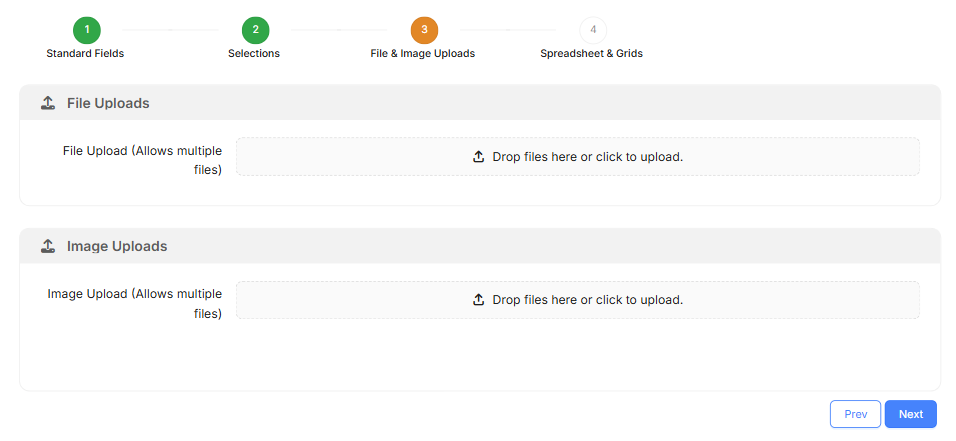
- Date and time fields, file and image upload, and the Spreadsheet element all have refreshed designs.

- The multi-paged form now shows a progress indicator. Completed steps turn green, the current step is orange, upcoming steps stay white.
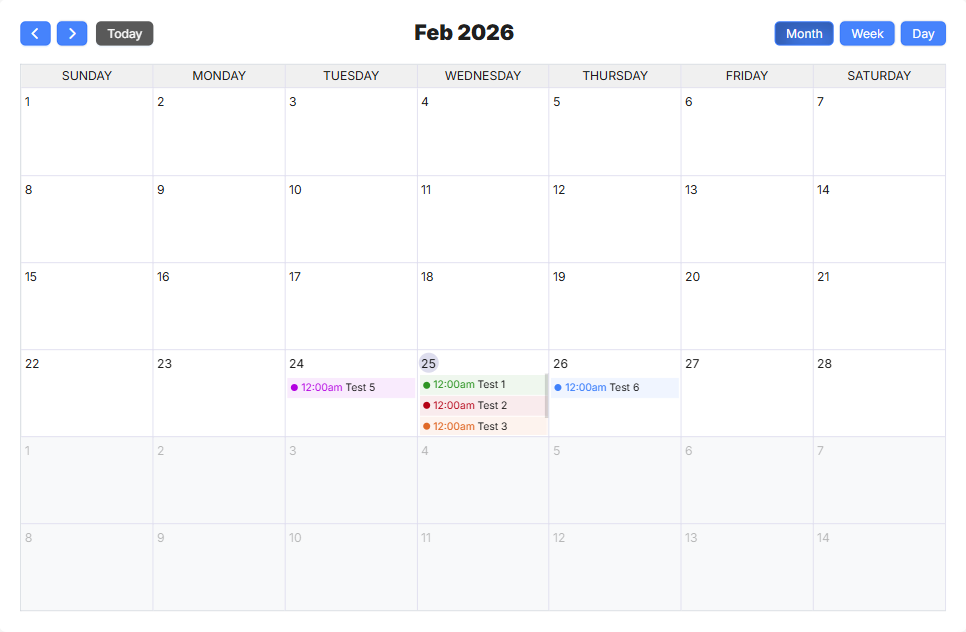
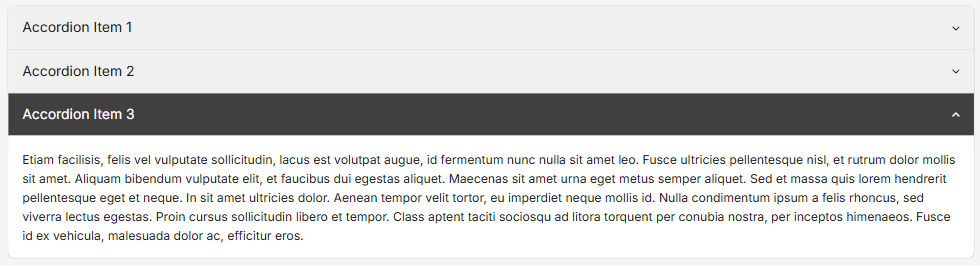
- Calendar, Accordion, Classic Table, App Icon, Simple Card, Simple List, Column List, and User Profile have all been updated for visual consistency.


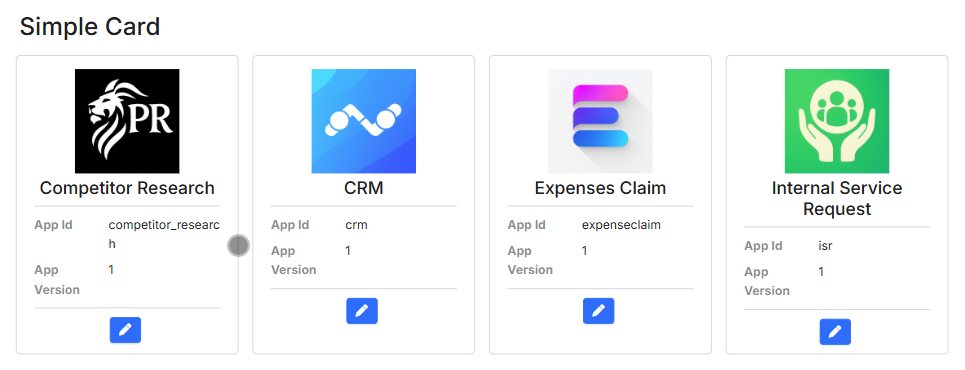
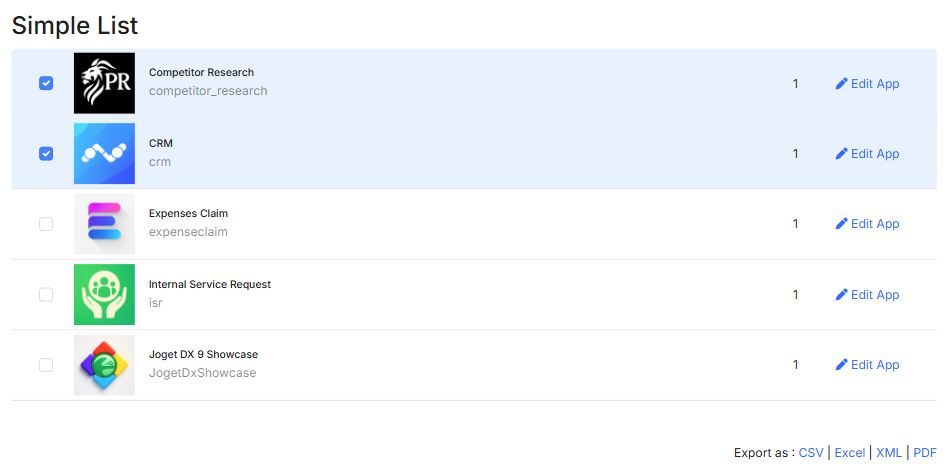
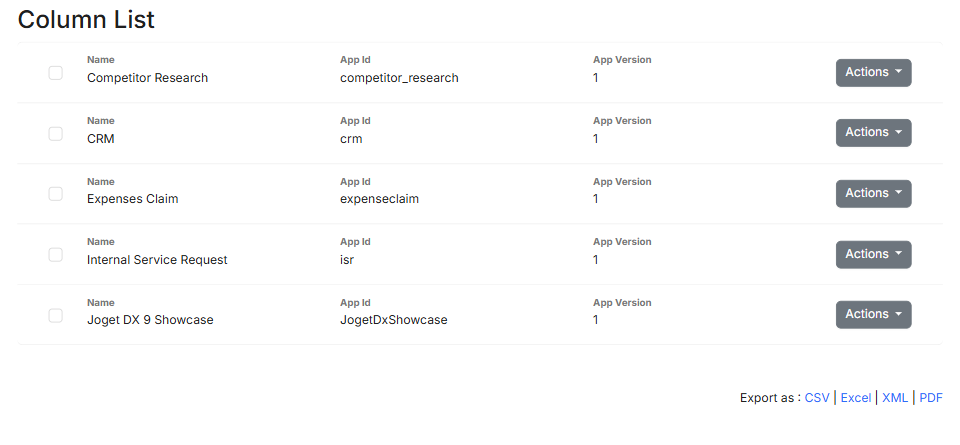
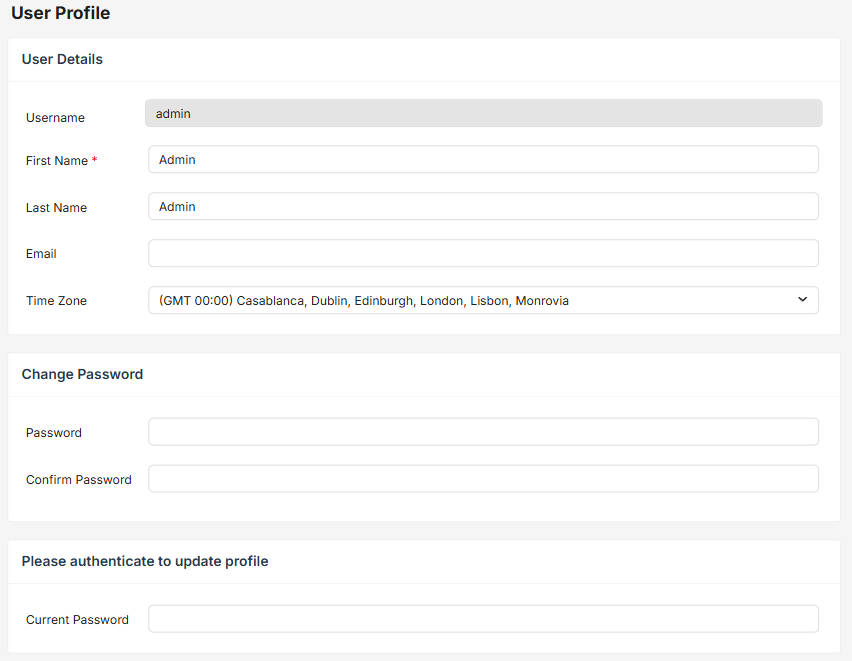
- Form and List grid pop-ups now show a header that matches the field label. No more blank modal windows.
2.2: Improved Builder Interactions
A handful of everyday experiences have been enhanced:
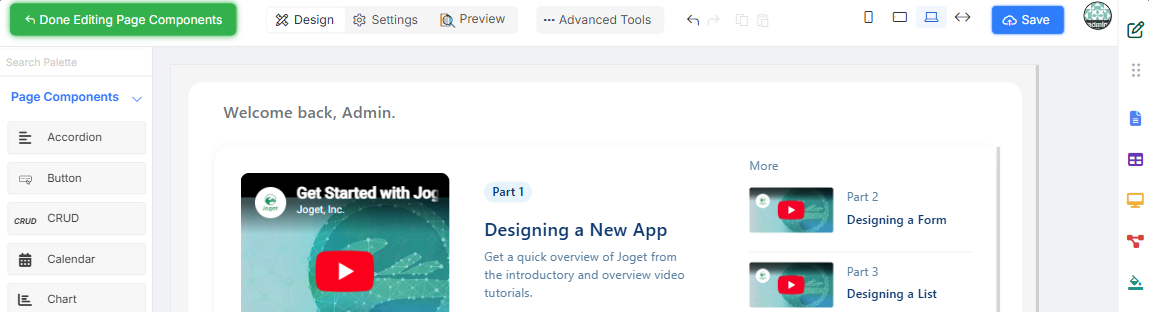
- The Save button is now directly available in the UI Builder’s edit page component view.
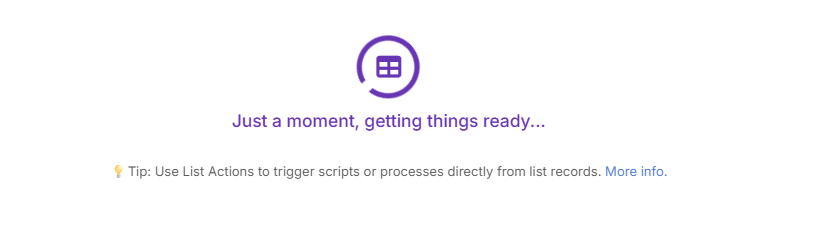
- The builder shows loading status messages and short contextual tips with Knowledge Base links while it loads.

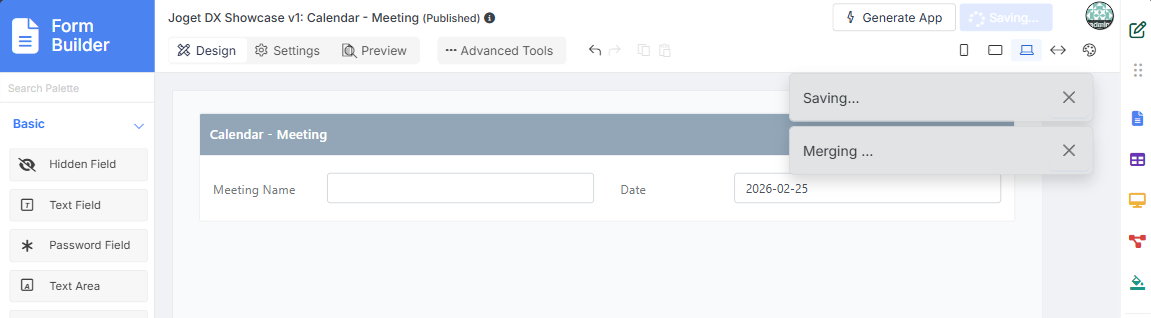
- Saving no longer blocks the UI. You can keep working while a save runs in the background. The Save button shows a Saving… spinner so you know it’s in progress.
- Auto-save is gone, replaced by an unsaved changes warning. You decide when to save.
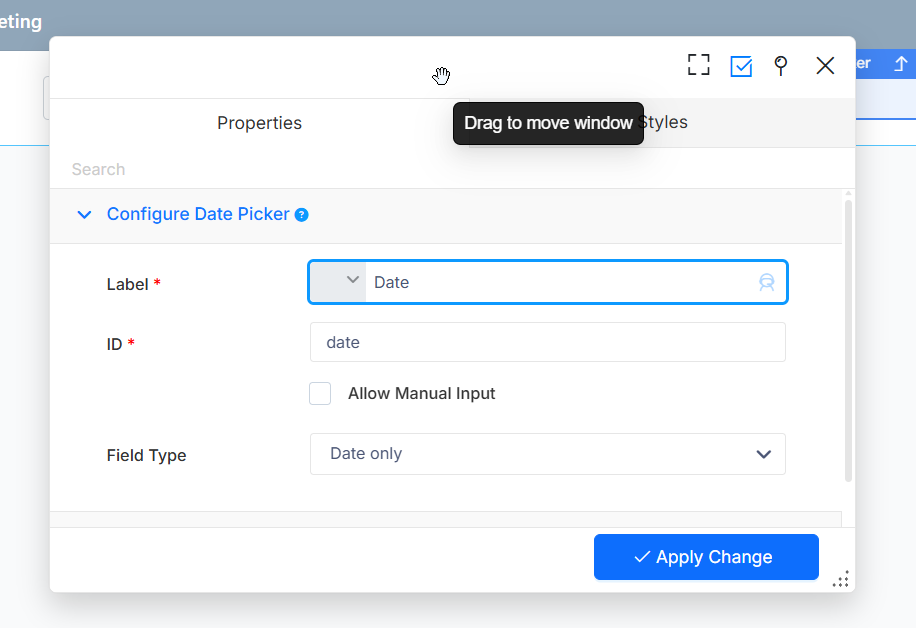
- Builder pop-ups are now draggable and close when you click outside them.
- The save button state bug after undo/redo has been fixed.
2.3: Improved Diff Checker for Multiline Diffs and Git Workflows
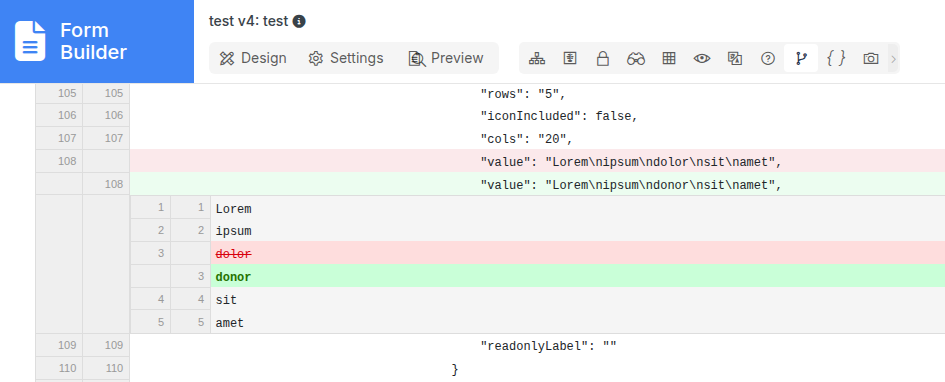
Multiline strings like BeanShell scripts, SQL queries, and custom HTML used to appear in the Diff Checker as one long escaped line.
Joget DX 9.1 now delivers a much-needed improvement with collapsible cells that expand into a clear, side-by-side comparison of multiline content. Reviewing changes is now simple and efficient!
Beyond the Diff Checker, App Composer now saves a .yaml copy of builder definitions alongside the existing .json file on every save. Multiline strings in the YAML preserve line breaks, making diffs readable in Git clients like GitHub Desktop.
If you’ve wanted to track script changes across versions or set up a CI/CD pipeline for Joget app development, this makes it practical.
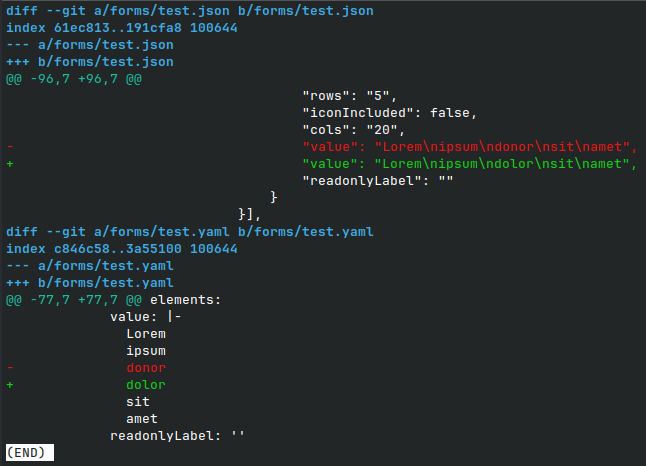
[.yaml file generated for external Git clients]
2.4: Enhanced Property Editor Styling Options
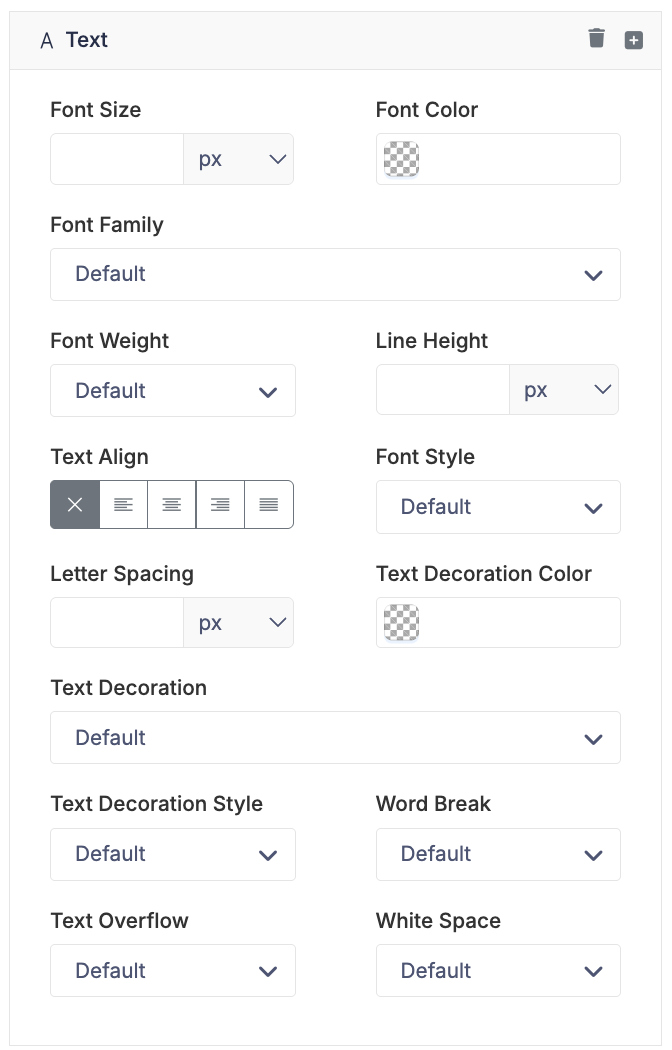
Five new CSS properties are now available directly in the property editor, no custom CSS needed:
- text-decoration
- word-break
- text-overflow
- white-space
- overflow
These cover common layout issues like text truncation in narrow columns and overflow handling in containers.
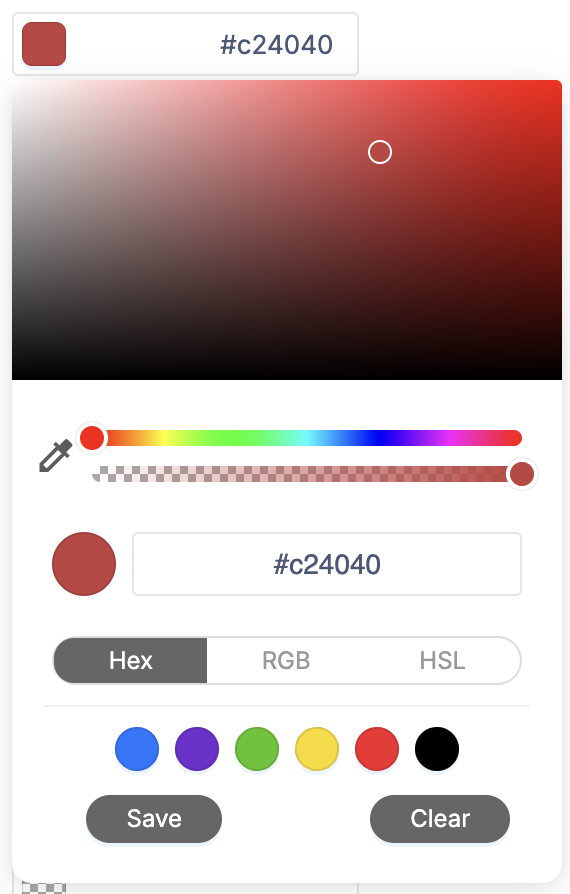
2.5: Color Picker Upgrade (Coloris)
The color picker has been replaced with the Coloris library. Three things are new:
- Eye Dropper: Pick any color from anywhere in the browser. Browser support varies, so check compatibility before relying on it.

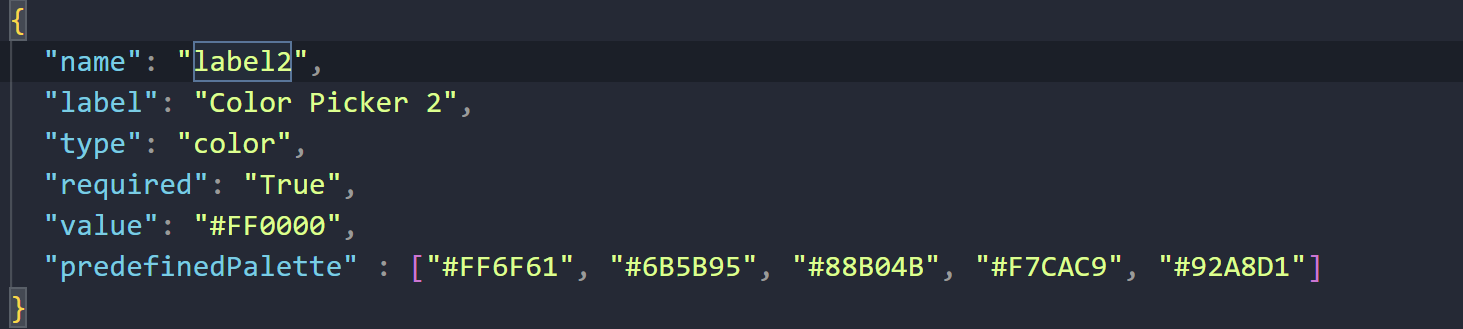
- Custom Color Palette: Define a `predefinedPalette` in the JSON config to load a fixed set of brand colors.
- Save and Remove Colors: Save colors to the palette; hover to reveal the trash icon and remove them.
- Up to 6 recent colors are stored automatically.

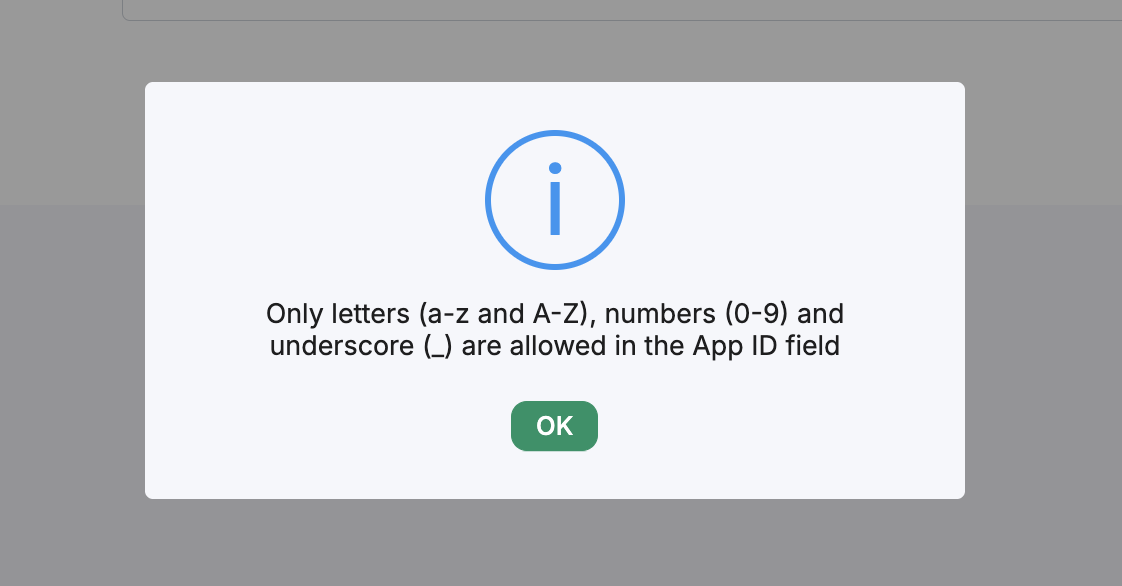
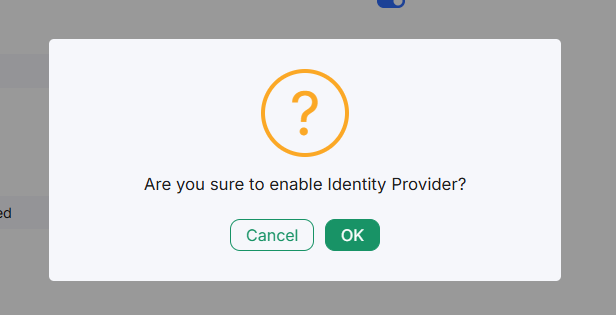
2.6: Enhanced Alert and Confirmation Dialogs
The browser’s default alert and confirm dialogs have been replaced with custom modals that match the DX9 UI. Clean and consistent.
2.7: X-Admin Theme: Sub-Header Field Added
A sub-header field is now available in the X-Admin theme config, handy for teams that need an extra layer of navigation branding.
3. Governance & System Health
3.1 Governance Health Check: New Detection and Cleanup Actions
The Governance Health Check module now has two new checks:
- Orphaned Form Data Tables: Finds form data tables no longer tied to any active form definition, and lets you remove them right from the scan results.

- Unused Process Designs: Spots process designs that aren’t in use and gives you a cleanup option.

Both show action buttons directly in the results, so admins can clean up without going to another screen.

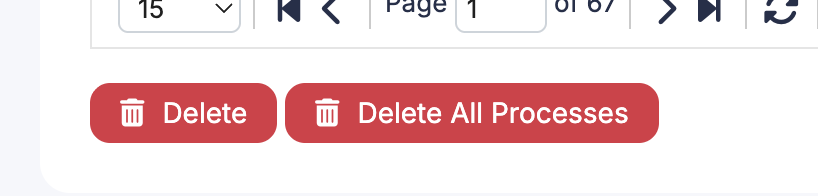
3.2 Batch Delete Completed Process Instances
Under Monitor > Completed Processes, admins can now delete completed process instances in bulk. A progress bar tracks the deletion, with options to pause or abort.
For high-volume deployments where old process data builds up over time, this is a real time saver.

4. Email & Hash Variable Enhancements
4.1 ?data2base64 Escape Type
A new ?data2base64 escape type is available in hash variables. It converts image data (SVGs, signature fields) into Base64 data URL format, making it easier to embed images in documents or email bodies.
4.2 Automatic Base64-to-CID Conversion in Email
When an email includes a Base64 image data URL, Joget now converts it into a CID (Content-ID) attachment automatically.
Many email clients don’t display inline Base64 images correctly. CID is the format that works. This now happens in the background with no extra setup.
This improves:
- Email client compatibility
- Rendering reliability
5. Administrative & Enterprise Improvements
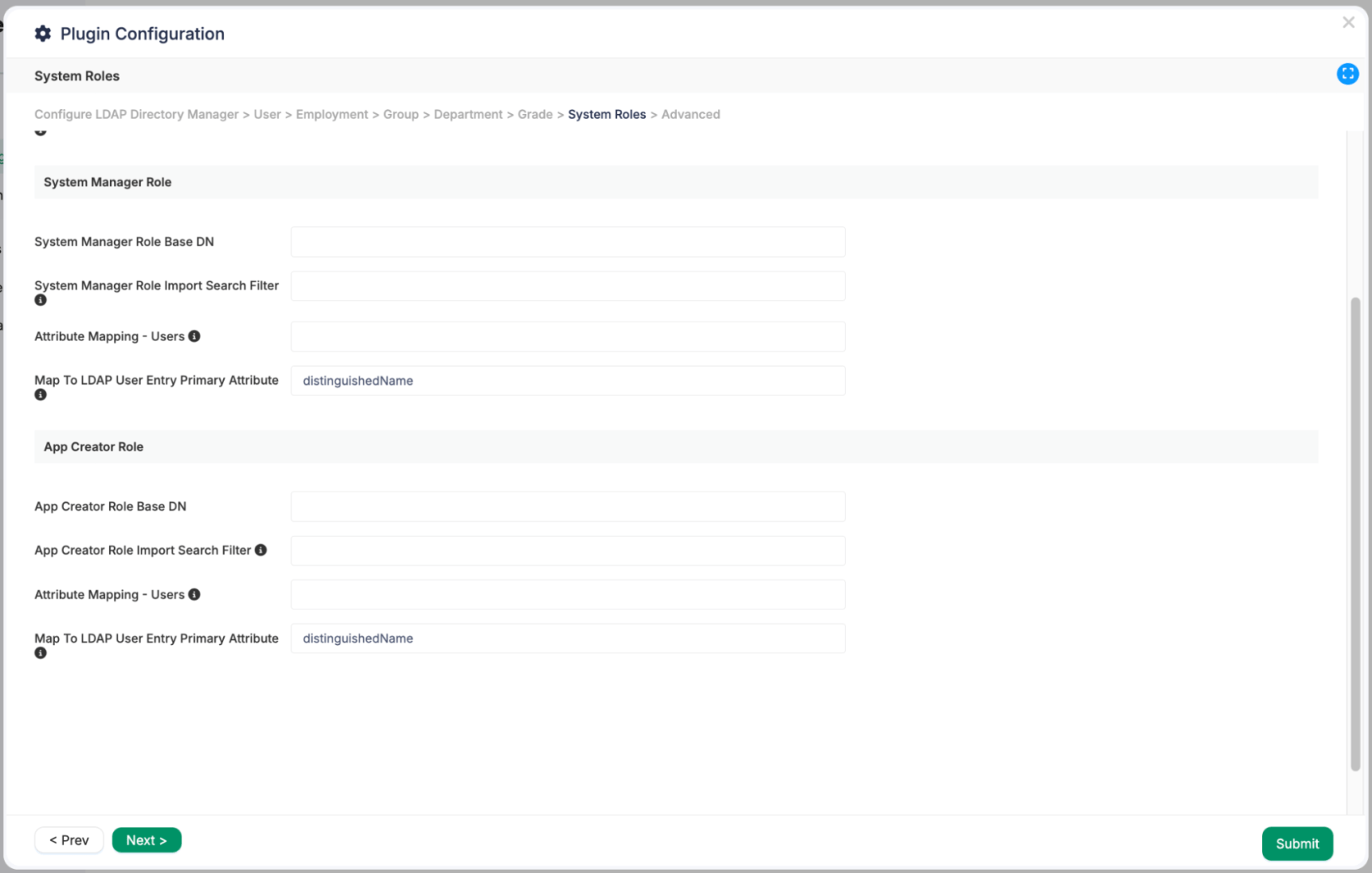
5.1 LDAP Directory Manager: System Manager and App Creator Roles
LDAP Directory Manager now supports two more role mappings:
- System Manager role
- App Creator role
Known Issues
Joget DX 9.1-PREVIEW is open for testing, but there are a few known regressions:
- Spreadsheet Grid Readonly regression: Columns that had Readonly checked will move to Disabled Write Permission, meaning values won’t be saved in this preview. Will be fixed before the official release.
- Alert and Confirm dialog regressions
- DX9 Builder Theme regressions: UI issues for Datepicker, Upload, and Calendar under the updated theme.
More About Joget DX 9.1
Check the preview highlights and change logs on Joget Knowledge Base.
We think you might want to read this
Related